


Solar monitoring app offline in Malaysia: is your system still generating?
An offline solar monitoring app does not, by itself, establish that the panels have stopped generating. It tells you that current information is unavailable through that view. A communication problem and an operating fault can also happen together. Check the last update time, record any safely visible local status, and ask your installer to reconcile the evidence before deciding that output is normal or lost.
Separate the energy path from the data path
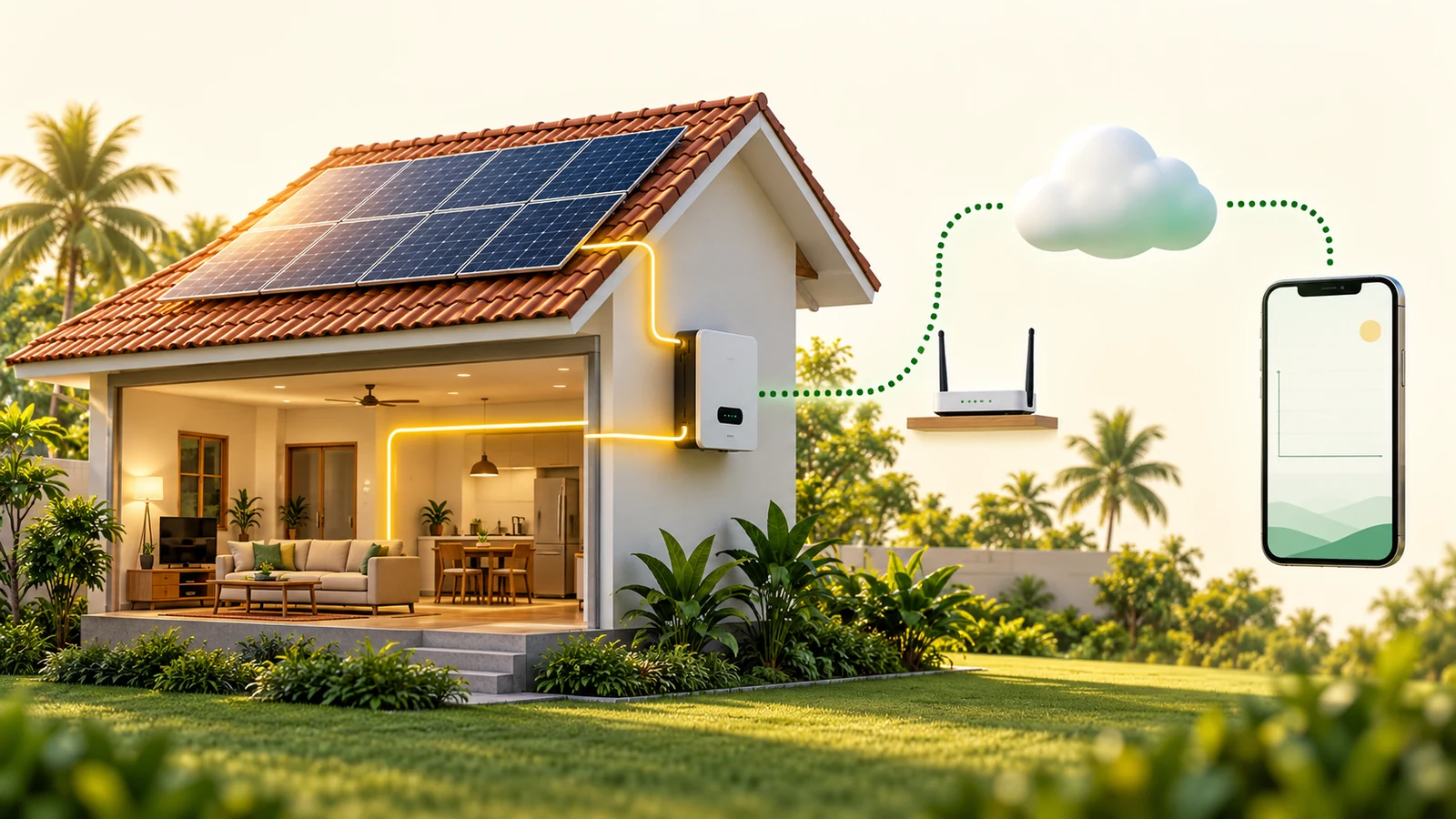
Think of two questions: is the equipment operating, and is the monitoring service receiving fresh information? Fronius identifies interrupted Internet connections and data transfer among reasons for an offline Solar.web view. SMA’s Data Manager troubleshooting also distinguishes stale displayed values from network, metering and browser issues. These are product-specific examples, not a promise that every offline solar system keeps running.
A current local reading can help investigate the first question. A cloud chart answers it only when its timestamp and measurement are understood. An old chart is not a live test. Conversely, a working phone Internet connection does not establish that the inverter or gateway is connected to the same network.
Make a short observation record before changing anything
Homi Solar Malaysia recommends a simple evidence sheet. Its purpose is to give the installer a timeline, rather than to perform an electrical diagnosis at home. Record times in Malaysia time, UTC+08:00, and keep the original screenshots.
| What to record | Useful detail | What it cannot establish alone |
|---|---|---|
| App timestamp | Last successful update, selected date, system name and exact message | Whether the inverter is producing now |
| Network change | When the router, Wi-Fi name, password or Internet service changed | Whether electrical equipment is healthy |
| Local status, if safely visible | Model, time, display reading and exact event code; use that model’s manual | The condition of every panel or hidden connection |
| Scope of the gap | Whole site or one device; web portal and app; live view or historical chart | A confirmed root cause |
| After reconnection | Fresh update time and whether the missing interval actually appears | That all historical data has been recovered |
Keep owner checks to viewing and ordinary network use
Confirm that you selected the correct property and date in the app. Refresh the view and, if available, compare it with the manufacturer’s web portal. Ask the household whether the home network changed. Follow only the ordinary user networking steps supplied for the exact model; involve the installer where access or configuration is unclear.
Do not open inverter covers, touch wiring, climb onto the roof, change protection settings or cycle AC/DC isolators just to refresh an app. Some manufacturer support pages include equipment restart procedures; the correct sequence and permitted operator depend on the installed system. A general blog is not a substitute for its handover instructions.
Read indicators using the exact model manual
Indicator colours are not universal. For example, the Sunny Boy 3000TL–5000TL-21 manual describes feed-in, error and Bluetooth indicators separately. That example does not define the LEDs of another SMA model or another brand. Photograph an accessible indicator from a safe position and include the full model name when asking for help.
If a local fault message is present, do not treat it as resolved because the app reconnects. If there is visible damage, smoke or a burning smell, keep clear of the equipment and seek urgent professional assistance. Even without these signs, unresolved daylight operating concerns deserve an installer review; a reporting label cannot rule them out.
Close the case with a fresh timestamp and an explained gap
Once communication returns, check a new timestamp and the affected date range. Ask whether the specific logger retained data, whether upload has completed, and whether any interval remains missing. Do not fill a missing chart with an invented generation or savings estimate. Keep monitoring availability and equipment performance as separate conclusions in the service record.
For related checks, read our solar handover document checklist and midday inverter event guide. To arrange a review, contact Homi Solar Malaysia with the observations above. Share serial numbers privately with your installer rather than in a public post.
This is an observation guide, not a model-specific repair procedure. Any Solar ATAP, tariff, approval or savings assessment depends on the latest PETRA, SEDA, Energy Commission and TNB requirements and the customer’s actual bill, roof and usage. No generation, approval or savings outcome is guaranteed.
Frequently asked questions
Does an offline solar app mean zero generation?
No. An offline label alone does not establish current generation. Compare the reporting timestamp with safely accessible local status and ask the installer to investigate any operating concern.
Can I reset the inverter to restore the app?
Do not use a general app problem as an instruction to operate electrical isolators or open equipment. Use the exact system handover instructions and ask your installer which steps are suitable for the owner.
Will all missing monitoring data return after reconnection?
Do not assume so. Ask about the specific logger, retained records and upload state, then check whether the missing intervals actually appear in the history.
Sources checked on 18 October 2026
- Fronius — Fronius Solar.web support
- SMA Solar Technology AG — Data Manager M Lite: Troubleshooting
- SMA Solar Technology AG — Sunny Boy 3000TL–5000TL-21: LED signals
This article reflects official information checked on 18 October 2026 and is general guidance. Programme rules, tariff treatment, approval and actual savings remain subject to the latest PETRA, SEDA, Energy Commission and TNB requirements plus the property bill, roof and usage pattern.
Want HOMI to review your TNB bill?
Send your usage pattern and HOMI can estimate whether Solar ATAP makes sense for your home or business.
Arrange a Monitoring Review