
Solar surge protector shows red
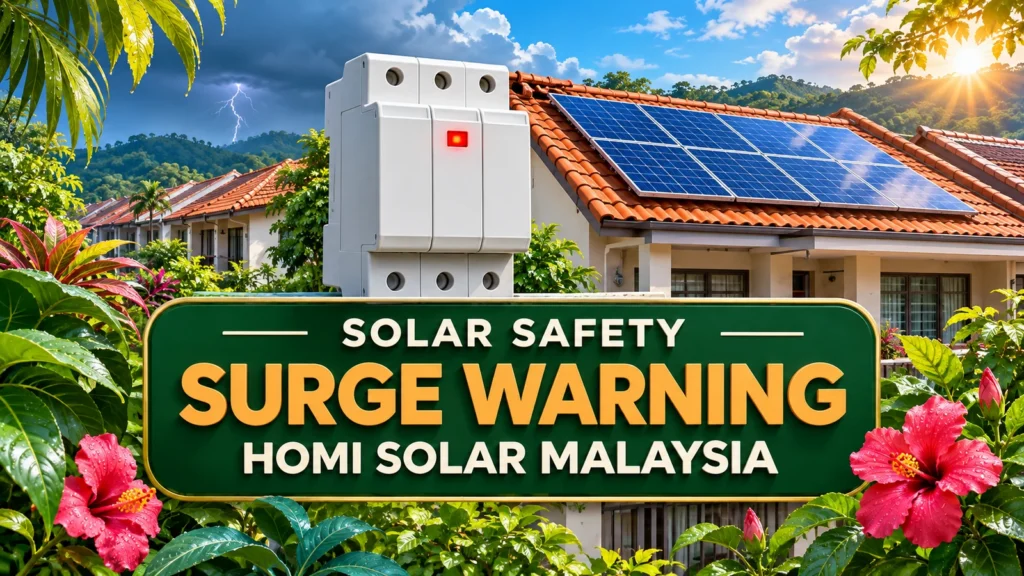
If a red flag appears in the inspection window of a solar surge protection device (SPD), leave the enclosure closed and ask the installer to check the device against its exact model documentation. On some models red means a fault, even when the inverter app still shows power. If you see smoke, sparking or fire, keep away and contact emergency services from a safe place. Homi Solar Malaysia recommends recording only what you can see safely.
Read the device model first
DEHN’s DEHNcube YPV SCI 1000 lists green for function and red for defect. Schneider Electric’s iPRD sheet gives a different normal flag: white on the documented low-voltage models, with red indicating replacement. That second example shows why you should match the model before interpreting a colour. It does not establish suitability for a solar DC circuit. Use the handover pack to identify the protector and whether it is on the panel side (DC) or the grid side (AC). Let the installer confirm any wiring or installation details.
Compare four observations
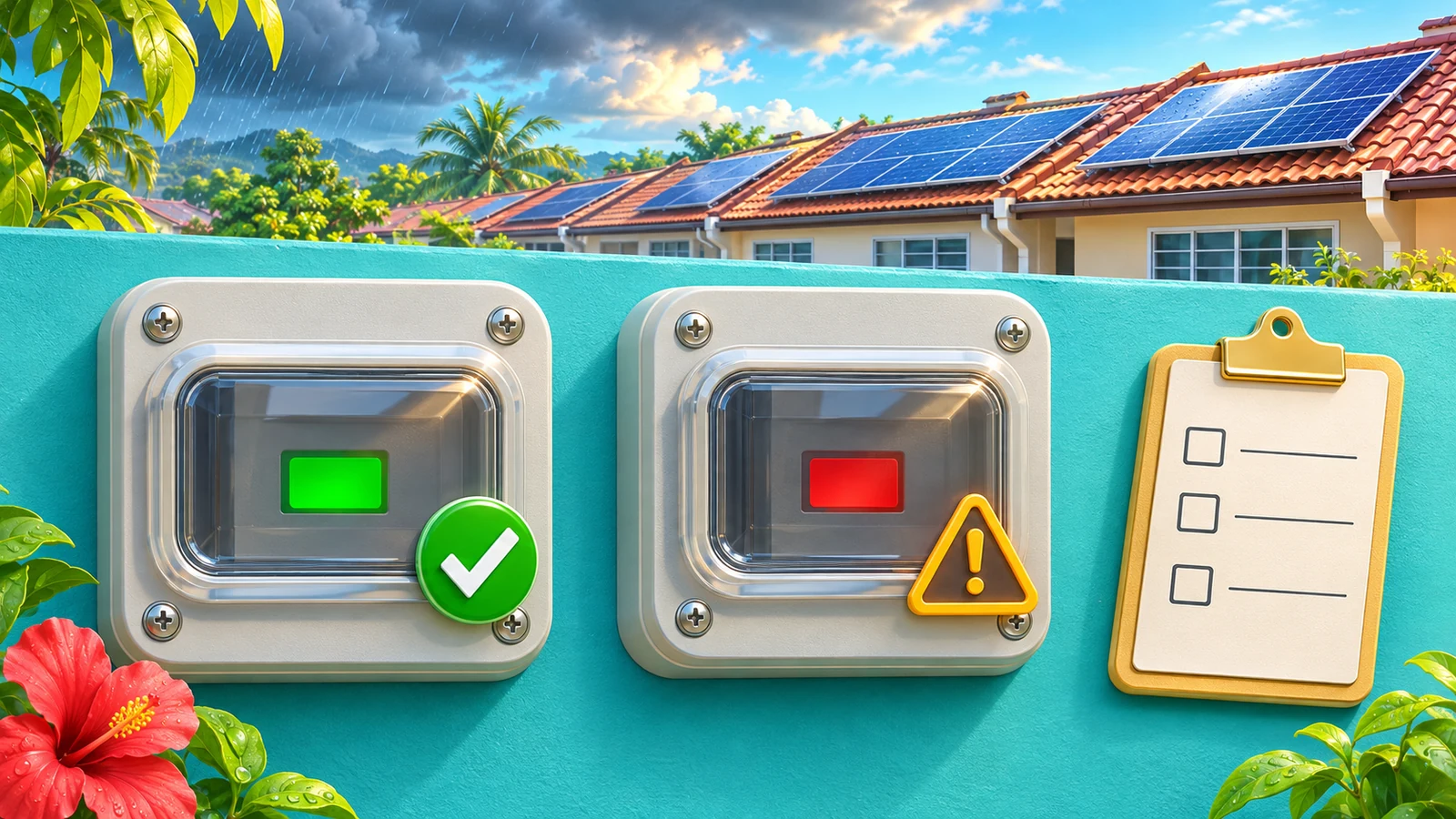
These are example observations for a property owner. The colour meanings are limited to the cited model documentation.
| What you see | How to interpret it | Owner response |
|---|---|---|
| DEHNcube green flag | That model indicates function. | Keep the model in your handover record. |
| DEHNcube red or documented iPRD red | Possible protection fault or cartridge replacement for the named model. | Contact the installer promptly. Mention any inverter alert. |
| No external window or unknown model | No confirmed status from appearance. | Use the handover pack. Leave the enclosure closed. |
| Smoke, sparking or fire | Immediate hazard regardless of flag colour. | Keep away and contact emergency services. |
Generation is a separate reading
An SPD limits brief overvoltages. The generation chart tracks the inverter’s output. An app can still show generation while a protection module needs attention. Conversely, a zero reading by itself does not identify an SPD fault. A red flag also does not tell you when the change happened or prove that lightning hit the building. Send the time and any alert so the installer can compare the two records.
What to record
- Note when and where you saw the warning. Include recent storm or outage timing if known.
- Find the model and enclosure label in the handover records.
- Record the status visible from a safe place after the storm. Do not open a cabinet, climb onto the roof or approach damaged equipment for a photo.
- Note whether the inverter app still shows generation or a fault. Leave electrical checks and replacement to a qualified person.
- Share the summary privately with the installer and ask what should be checked before returning to normal operation.
Sources checked on 19 November 2026. The Energy Commission’s building FAQ links the SPD requirement to risk assessment. The June 2026 SELCO guide applies to self-consumption in Peninsular Malaysia. In Sabah and Sarawak, ask your local provider or electrical authority about the applicable rules. Speak to a person at Homi Solar Malaysia or see our solar services. Keep bills, account details, full addresses and identifying photos out of public comments and AI tools.
Common questions
Can the system still generate with a red flag?
Yes, depending on the design. Output on the app does not confirm that surge protection is available. Ask the installer to assess the warning.
Can I swap the cartridge myself?
Leave the enclosure closed. A qualified person should identify the circuit, isolate it safely and confirm the correct part.
Does red prove a direct lightning strike?
No. It can indicate a fault on the named models. An inspection is needed to determine the cause and whether anything else was affected.
Is green always the normal colour?
No. DEHNcube uses green, while the documented iPRD uses white for operation. Follow the documentation for the exact installed model.
Sources checked
- FAQ on SPD installation in buildings — Suruhanjaya Tenaga
- Guidelines for Solar Photovoltaic for Self-Consumption in Peninsular Malaysia (June 2026) — Suruhanjaya Tenaga
- DEHNcube YPV SCI 1000 product information — DEHN
- iPRD surge arresters product sheet — Schneider Electric
This article reflects official information checked on 19 November 2026 and is general guidance. Programme rules, tariff treatment, approval and actual savings remain subject to the latest PETRA, SEDA, Energy Commission and TNB requirements plus the property bill, roof and usage pattern.
Want HOMI to review your TNB bill?
Send your usage pattern and HOMI can estimate whether Solar ATAP makes sense for your home or business.
Ask About a Surge Warning